
Set the timing for each exercise
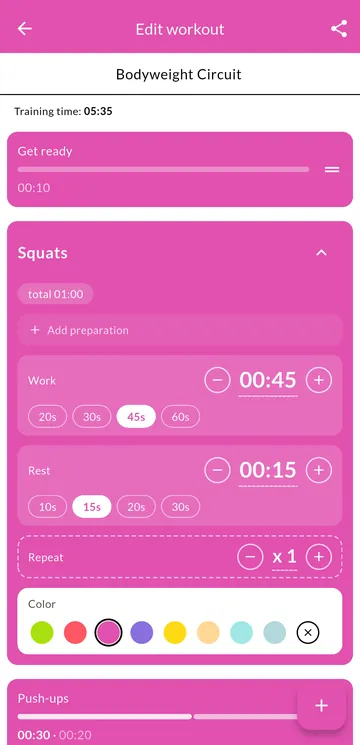
Squats for 45 seconds, push-ups for 30, a short rest between them, or none at all. Each exercise has its own get-ready, work, rest, and repeat count, so one workout can mix fast drills and long holds.
Interval timer for Android
Build HIIT, Tabata, EMOM, circuit, boxing, running, and yoga workouts. Voice and sound cues guide you, even with the screen off.

Free, with a small ad banner. No account. No subscription.
Squats for 45 seconds, push-ups for 30, a short rest between them, or none at all. Each exercise has its own get-ready, work, rest, and repeat count, so one workout can mix fast drills and long holds.
Install it and start a workout. There is nothing to sign up for and nothing to unlock. Your workouts and history are stored on your phone, and the timer runs without an internet connection.
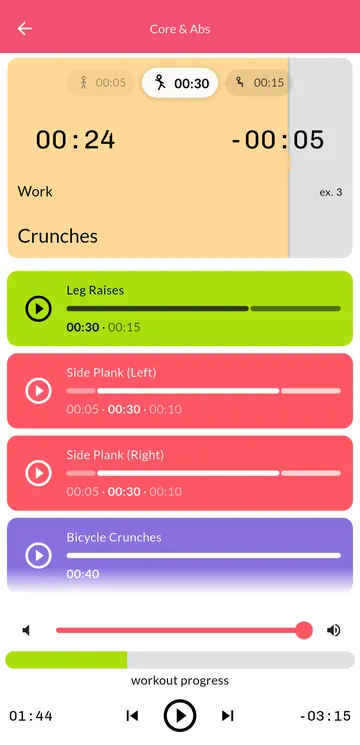
Lock your phone or switch apps. A voice announces each exercise and whether it is work or rest, a 3-2-1 beep marks every change, and a notification shows the current interval.
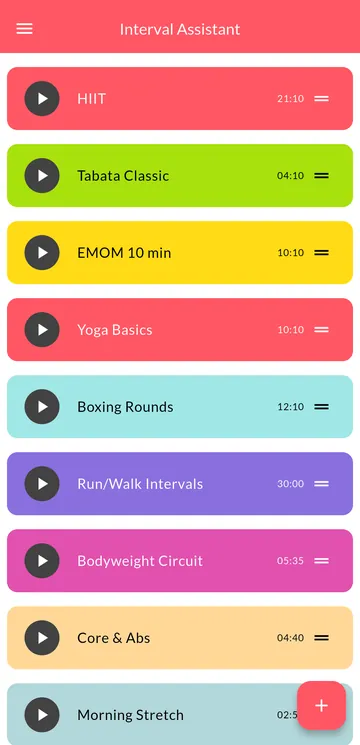
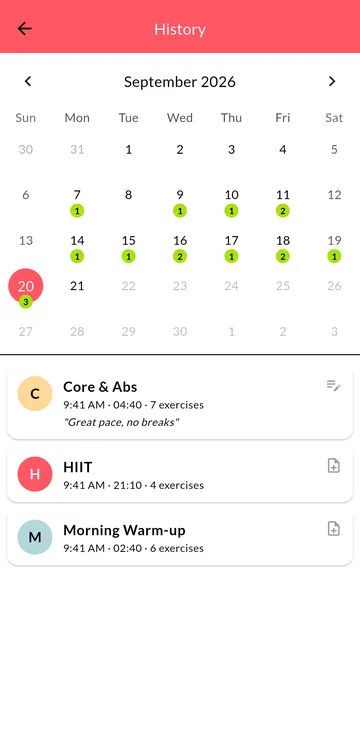
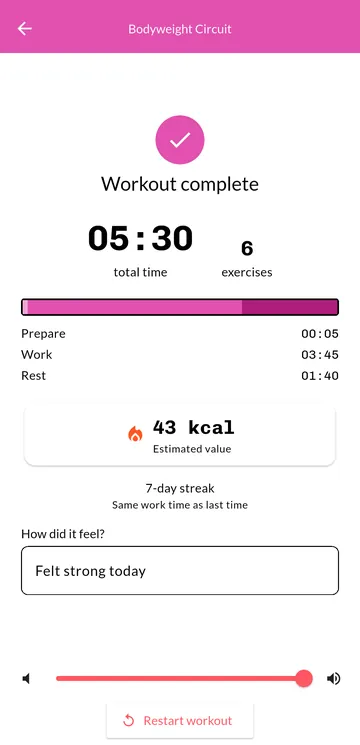
Start from ready-made workouts: HIIT, Tabata, EMOM, yoga, boxing rounds, and run/walk intervals. A calendar keeps your history, with streaks and estimated calories. Share any workout as a code that a friend pastes into the app, with no sign-up.
Yes. The app is free and shows a small ad banner. There are no subscriptions and no in-app purchases.
No. Open the app and start a workout. There is nothing to sign up for.
Yes. The timer keeps running when the screen is off or you switch apps, with voice and sound cues and a notification showing the current interval. If your phone stops apps in the background, turn on Run in background in the app's settings.
No. The timer, your workouts, and your history work offline.
Yes. Every exercise has its own get-ready, work, rest, and repeat settings. You can also repeat the whole workout for several rounds.
Calories are an estimate based on the body weight you enter and standard activity values for work and rest. Treat the number as a rough guide, not a measurement.
Open a workout and tap Share. The app creates a message with a workout code. The other person copies it and pastes it into Import workout.
No. Interval Assistant is available for Android only.
Free on Google Play for Android phones.